Finding the right software application to manage and organize your digital broadcast streams can completely transform your viewing experience. For users looking to organize live broadcasts, movies, and TV guides across multiple devices, finding the best IPTV players available on the market is essential.
Choosing from the best IPTV players allows you to organize M3U playlists, connect via Xtream API codes, and enjoy responsive Electronic Program Guides (EPG). It is important to note, however, that an IPTV player is strictly a media software application and does not provide TV channels or content subscriptions itself.
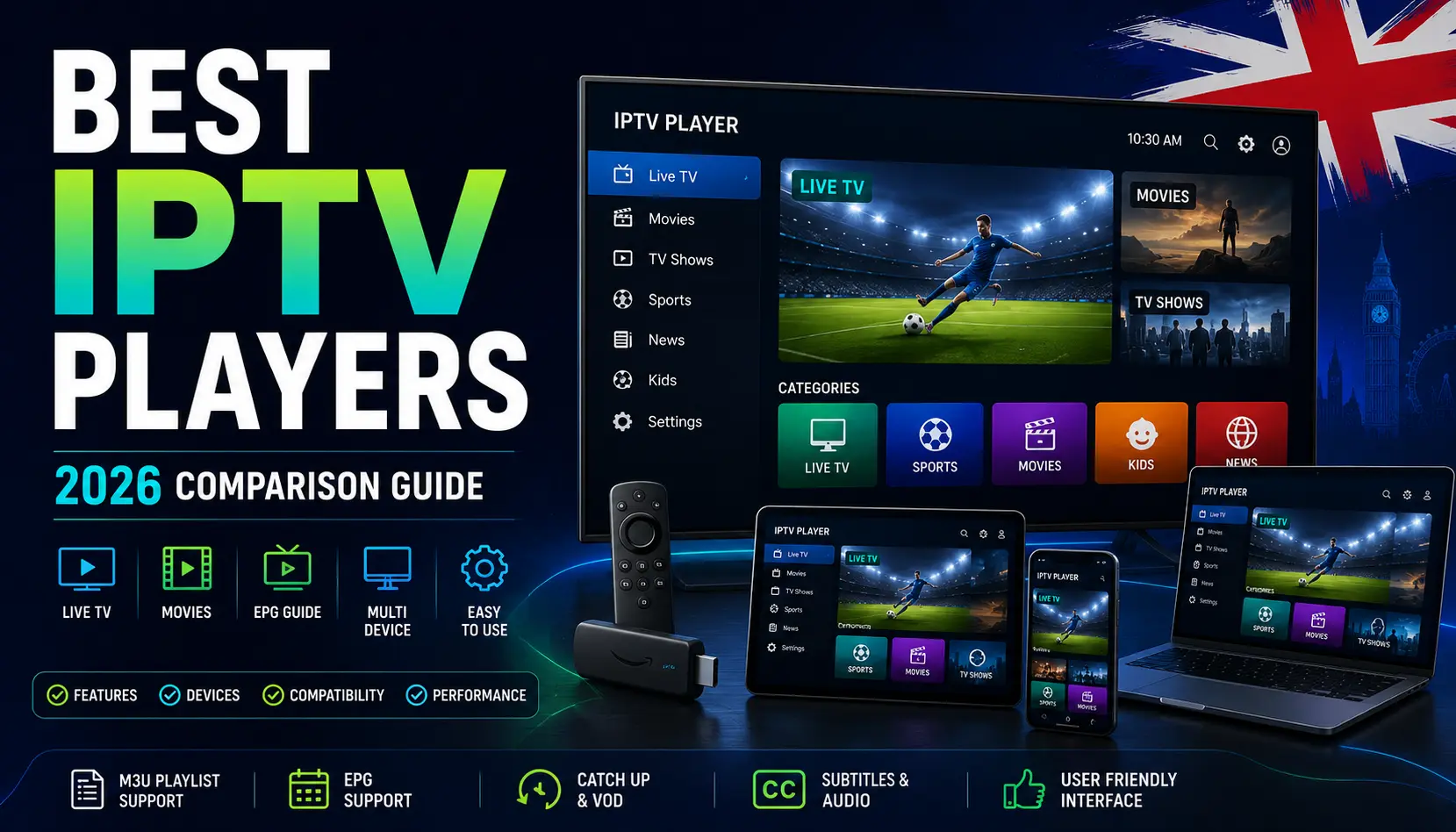
This comprehensive guide explores seven of the best IPTV players available in 2026, compares their device compatibility, analyzes core features like EPG and playlist support, and helps you determine which one suits your specific streaming setup.
What Is an IPTV Player?
To understand how streaming software operates, it helps to distinguish between the interface you use to watch content and the source of that content:
- What an IPTV Player Does: An IPTV player is a software application designed to read, decode, and display video streams from playlists (such as M3U files) or API logins supplied by a user.
- The Difference Between a Player and a Provider: An IPTV player is like a media gallery or browser—it has no built-in channels, movies, or subscriptions. An IPTV provider or legal content source supplies the actual data streams.
- Why You Need Both: Without a playlist or connection details from a valid content source, an IPTV player will simply display an empty interface. Conversely, a content subscription requires a compatible app or hardware player to render video on your screen.
How We Compared the Best IPTV Players
Evaluating applications objectively requires a structured framework. Our comparison of the best IPTV players focuses on the following criteria:
- Device Compatibility: Support for Firestick, Android TV, Google TV, Samsung Smart TV, LG webOS, mobile devices, and desktop operating systems.
- User Interface (UI): Layout clarity, visual aesthetics, and ease of navigation using standard remote controls.
- Setup Simplicity: How easily users can import M3U playlists or configure Xtream API login credentials.
- Playlist Support: Compatibility with standard M3U links, Xtream Codes API, and local playlist files.
- EPG (Electronic Program Guide) Support: Reliability in fetching, synchronizing, and displaying TV scheduling guides.
- Playback Features: Support for subtitles, multi-audio tracks, catch-up streams, and video-on-demand (VOD) organization.
- Performance & Stability: App speed, resource consumption, and freedom from crashing during high-bitrate streaming.
- Privacy & Pricing: Transparency regarding free tiers, ad-supported features, or premium license activations.
Quick Comparison Table
| IPTV Player | Best For | Devices | EPG Support | Playlist Support | Ease of Use |
| TiviMate | Advanced customization & EPG | Firestick, Android TV, Google TV | Yes (Advanced) | M3U, Xtream API | High |
| IPTV Smarters Pro | General multi-device viewing | Universal (Android, iOS, Smart TV) | Yes | M3U, Xtream API | Moderate |
| IBO Player | Smart TV web-based integration | Samsung, LG, Android TV | Yes | M3U, Xtream Codes | High |
| Flix IPTV | Clean Smart TV interfaces | Samsung, LG, Firestick | Yes | M3U, Xtream API | High |
| OTT Navigator | Power users & custom filtering | Android TV, Firestick, Tablets | Yes (Detailed) | M3U, Local files | Moderate |
| Televizo | Streamlined Android playback | Android, Android TV, Firestick | Yes | M3U, Xtream API | High |
| GSE Smart IPTV | Cross-platform flexibility | iOS, Android, Apple TV | Yes | M3U, Xtream, JSON | Moderate |
7 Best IPTV Players
1. TiviMate
- Best for: Advanced customization and comprehensive EPG management
- Supported devices: Android TV, Google TV, Amazon Firestick
- Playlist support: M3U playlists, Xtream Codes API
- EPG support: Full guide support with custom XMLTV URL options
- Interface: Modern, highly polished, electronic-style television guide layout
- Ease of use: High for experienced users; offers extensive menu configurations
- Pricing: Free basic version available; premium features require an annual or lifetime subscription (Check app store for current pricing)
- Pros: Exceptional UI speed, custom channel grouping, multi-screen viewing, and reliable background playlist updates.
- Cons: Not natively available on non-Android platforms like Samsung Tizen or LG webOS without external streaming hardware.
- Best suited for: Users utilizing Firestick or Android TV devices who want a cable-like navigation experience.
2. IPTV Smarters Pro
- Best for: General multi-device compatibility
- Supported devices: Android, iOS, Firestick, Smart TVs, Windows, macOS
- Playlist support: M3U URLs, Xtream API login
- EPG support: Yes, standard grid and list views
- Interface: Clean, colorful, and widely recognized layout
- Ease of use: Straightforward onboarding and login process
- Pricing: Free version with optional premium version upgrades (Check provider store)
- Pros: Available across almost every major operating system; supports master search and catch-up features where available.
- Cons: Free versions may include advertisements or feature restrictions.
- Best suited for: Viewers who need a consistent player app across phones, tablets, and TV boxes.
3. IBO Player
- Best for: Web-activated Smart TV integration
- Supported devices: Samsung Smart TV, LG webOS, Android TV, Firestick
- Playlist support: M3U playlists, Xtream Codes API
- EPG support: Built-in XMLTV guide integration
- Interface: Minimalist and responsive remote-friendly design
- Ease of use: Simple MAC-address or web activation portal workflow
- Pricing: Trial period followed by a one-time activation fee per device (Check official app portal)
- Pros: Runs natively on many modern smart displays without requiring external streaming sticks.
- Cons: Activation is tied to individual device MAC addresses.
- Best suited for: Smart TV owners looking to avoid external hardware dongles.
4. Flix IPTV
- Best for: Lightweight Smart TV playback
- Supported devices: Samsung Smart TVs, LG webOS, Android TV, Firestick
- Playlist support: M3U URLs, Xtream API
- EPG support: Standard electronic program guide integration
- Interface: Clean, uncluttered tile-based menu structure
- Ease of use: Fast setup via web browser playlist upload
- Pricing: Free trial with a one-time activation fee (Check official website)
- Pros: Smooth performance on mid-range smart displays; supports changing audio and subtitle tracks easily.
- Cons: Limited advanced parental control features compared to dedicated desktop players.
- Best suited for: Users wanting a fast, no-fuss app for web-connected television sets.
5. OTT Navigator
- Best for: Power users and custom stream filtering
- Supported devices: Android TV, Google TV, Firestick, Android tablets
- Playlist support: M3U playlists, local storage files, Xtream codes
- EPG support: Advanced timeline configuration with archive playback
- Interface: Highly modular, text-dense, and customizable
- Ease of use: Moderate; steep learning curve due to deep customization menus
- Pricing: Free base version with premium unlock options (Check Google Play listing)
- Pros: Outstanding stream archiving, PiP (Picture-in-Picture) support, and granular parental controls.
- Cons: Interface can feel overwhelming for casual viewers.
- Best suited for: Tech-savvy enthusiasts who love tweaking settings, groups, and themes.
6. Televizo
- Best for: Clean, modern Android streaming
- Supported devices: Android smartphones, Android TV, Firestick
- Playlist support: M3U, Xtream Codes API
- EPG support: Fully integrated guide support
- Interface: Minimalist material design layout
- Ease of use: Very intuitive for touchscreens and TV remotes alike
- Pricing: Free tier with in-app upgrade options (Check app store)
- Pros: Low battery and resource consumption on mobile devices; rapid channel switching.
- Cons: Limited availability on non-Android ecosystems (such as Apple iOS or older Smart TV platforms).
- Best suited for: Android ecosystem users wanting a sleek, modern interface.
7. GSE Smart IPTV
- Best for: Cross-platform versatility (iOS and Apple TV)
- Supported devices: iPhone, iPad, Apple TV, Android, Firestick
- Playlist support: M3U, Xtream API, JSON playlists
- EPG support: XMLTV format guide support
- Interface: Functional multi-column grid layout
- Ease of use: Moderate configuration requirements
- Pricing: Free version with ad removal options via in-app purchase (Check app listings)
- Pros: Rare robust support for Apple iOS and Apple TV hardware environments.
- Cons: Interface design can appear dated compared to newer applications like TiviMate.
- Best suited for: Apple device users seeking dedicated mobile and tablet player support.
Best IPTV Player for Firestick
Amazon’s Fire TV Stick is among the most widespread streaming hardware devices in UK households, making the search for the best IPTV player for Firestick a top priority.
- Remote-Control Navigation: A great Firestick player must map all essential functions—such as channel switching, audio selection, and EPG access—directly to the standard directional remote without requiring external mice or keyboards.
- App Sideloading & Installation: While applications like IPTV Smarters Pro may be found via official app repositories, advanced players like TiviMate or OTT Navigator can be installed easily using official downloader tools from standard app stores.
- Performance: Firestick hardware models handle hardware decoding efficiently, allowing smooth playback of high-bitrate video streams when connected to stable broadband networks.
Best IPTV Player for Smart TV
Deploying the best IPTV players directly to a modern television display via an IPTV player for Smart TV setup offers a streamlined living room experience without extra cables or dongles.
- Samsung Smart TVs (Tizen OS): Modern Samsung displays support apps available through the Samsung Apps store or web-activated players like IBO Player and Flix IPTV.
- LG Smart TVs (webOS): LG webOS content stores provide access to compatible client applications or browser-activated media software.
- Android TV & Google TV (Sony, Philips, TCL): These operating systems offer the broadest software flexibility, allowing direct installation of top-tier players like TiviMate and Televizo directly from the Google Play Store.
Best IPTV Player for Android TV and Google TV
Android TV and Google TV platforms provide the most flexible software environment for the best IPTV players, with the widest app selection available directly from the Google Play Store.
- Remote Optimization: Applications designed for Android TV utilize leanback launcher layouts, ensuring seamless D-pad navigation.
- EPG Integration: Android TV players frequently support rich, on-screen channel guides and picture-in-picture multi-view options.
- Playlist Management: Users can manage multiple playlists simultaneously, switching between different content sources effortlessly within a unified interface.
Best IPTV Player for Android and iPhone
For users wanting to watch streams on mobile hardware, finding a reliable IPTV player for Android or an IPTV player for iPhone ensures entertainment on the go.
- Touch Controls: Mobile players feature intuitive touch gestures for volume control, brightness adjustment, and timeline scrubbing.
- Casting Support: Many mobile applications support casting content via Chromecast or AirPlay to compatible smart displays, subject to stream restrictions.
- Offline / Local Files: Certain mobile apps support local video file playback alongside remote playlist streaming.
Features to Look for in an IPTV Player
When evaluating applications, understanding key technical features ensures you select a robust tool for your setup:
- M3U Playlist Support: Allows the player to parse standard
.m3uor.m3u8playlist links containing channel groups and stream addresses. - Xtream API / Codes Support: Simplifies login by using a server URL, username, and password rather than lengthy playlist file URLs.
- EPG Support: Essential for viewing current and upcoming broadcast schedules within an electronic television guide.
- VOD Support: Organizes movies and television series archives into searchable categories with metadata and poster artwork.
- Catch-Up / Replay: Enables playback of previously broadcasted programs where supported by your stream source.
- Multi-Screen: Allows viewing multiple video feeds simultaneously on a single display screen.
- Subtitles and Audio Tracks: Crucial for switching between different language tracks and loading external subtitle files.
IPTV Player vs IPTV Provider: What’s the Difference?
To avoid common misunderstandings, it is vital to distinguish clearly between the software application and the underlying service:
| IPTV Player | IPTV Provider |
| App / software application | Content / service supplier |
| Displays streams and playlists | Supplies access to live TV and video streams |
| Does not provide channels itself | May provide channel lineups and broadcast feeds |
| Installed on a compatible device | Operates via a subscription or service account |
For readers comparing full subscription packages, review our related guides on IPTV Firestick setups, IPTV Smart TV configurations, and overview analyses of the Best IPTV Providers UK.
Are IPTV Players Legal?
A frequent query among users is whether downloading and running media player software complies with UK and international laws.
- Software Legality: IPTV player apps themselves are entirely legal media players, much like VLC, QuickTime, or web browsers. They perform standard video decoding functions.
- Legality Depends on Content Sources: The legality of your streaming setup depends entirely on the content sources and playlists you input into the player. Using a player to access authorized, licensed streams or your own digital media is lawful; streaming unauthorized copyrighted broadcasts without permission violates copyright regulations.
- Authoritative Resources: For official guidance regarding intellectual property and digital broadcasting standards, consult resources provided by the UK Intellectual Property Office and official platform developers like Google Android TV documentation.
Free vs Paid IPTV Players
Choosing between free and paid applications involves weighing features, ads, and support:
- Free Apps: Often funded by advertisements or limited in advanced features, free players provide basic M3U playback without upfront costs. However, banner ads can sometimes interfere with UI navigation.
- Paid Apps: Premium players (or apps offering one-time activation unlocks) typically remove advertisements, unlock multi-playlist support, offer advanced EPG customization, and provide more stable ongoing software updates.
- Privacy Considerations: Always download applications from official app stores (such as Google Play, Apple App Store, or Amazon Appstore) to ensure software integrity and protect your device data.
How to Choose the Best IPTV Player
To pick from the best IPTV players for your home setup, run through this practical checklist:
- [ ] Device Compatibility: Works natively on your Firestick, Smart TV, Android, or iOS device.
- [ ] Playlist Format Support: Handles M3U URLs and Xtream API logins smoothly.
- [ ] EPG Support: Fetches and synchronizes television guides reliably.
- [ ] Easy Navigation: Designed for intuitive remote-control or touch operation.
- [ ] Regular Updates: Maintained actively by developers with bug fixes and security patches.
- [ ] Privacy Information: Clear data handling and transparent app store presence.
- [ ] Clear Pricing: Transparent terms for free tiers or one-time premium unlocks.
- [ ] Playback Features: Supports subtitles, audio track switching, and VOD categories.
For broader insights into setting up subscriptions and legal compliance, explore our guides on IPTV Legalität and IPTV kaufen.
Need Help Choosing an IPTV Player?
Not sure which IPTV player works best with your device or setup? Contact us on WhatsApp and we’ll help you understand your available options.
Frequently Asked Questions
What is the best IPTV player?
The best IPTV players depend on your hardware device. TiviMate is widely praised for Android TV and Firestick, while IBO Player and Flix IPTV are popular choices for Smart TVs.
What is the best IPTV player for Firestick?
Among the best IPTV players for Amazon Firestick, TiviMate and IPTV Smarters Pro stand out for smooth remote navigation and robust EPG support.
What is the best IPTV player for Smart TV?
IBO Player and Flix IPTV are top choices for Samsung and LG Smart TVs because they integrate smoothly with web-based activation portals.
Which IPTV players support M3U playlists?
Virtually all of the best IPTV players — including TiviMate, IPTV Smarters Pro, OTT Navigator, and GSE Smart IPTV — support M3U playlist importing.
Which IPTV players support EPG?
The best IPTV players with built-in EPG include TiviMate, OTT Navigator, IPTV Smarters Pro, and Televizo, all featuring Electronic Program Guide integration for scheduling live broadcasts.
Is an IPTV player the same as an IPTV provider?
No. An IPTV player is simply software that displays streams, whereas an IPTV provider or subscription supplies the actual broadcast content and playlist links.
Are IPTV players legal?
Yes. IPTV player software applications are completely legal media players. Legality depends on whether the content streams and playlists used within the player are authorized and properly licensed.
Do IPTV players provide channels themselves?
No. IPTV players do not include built-in TV channels, movies, or subscriptions; users must connect their own valid playlists or service streams.